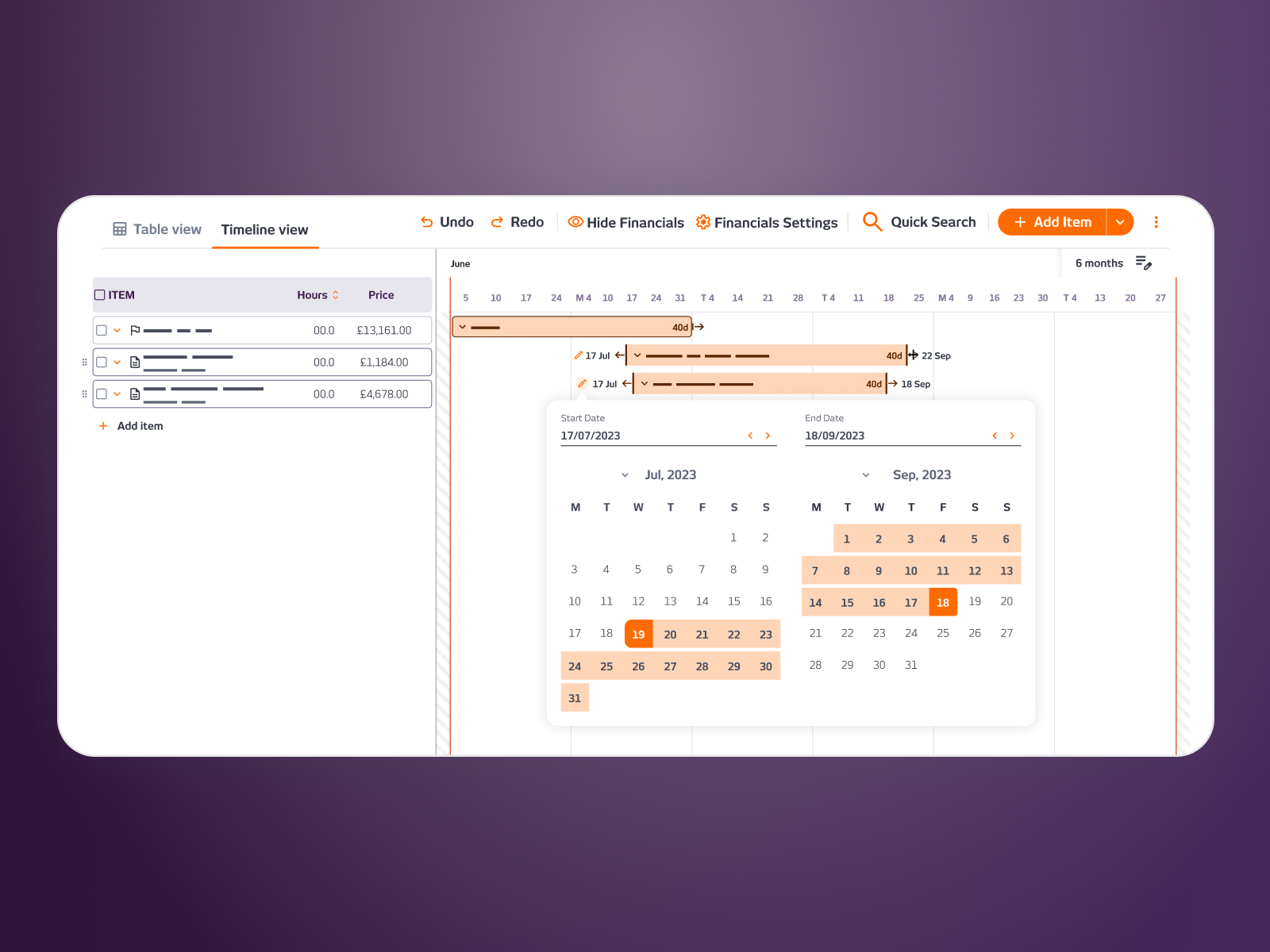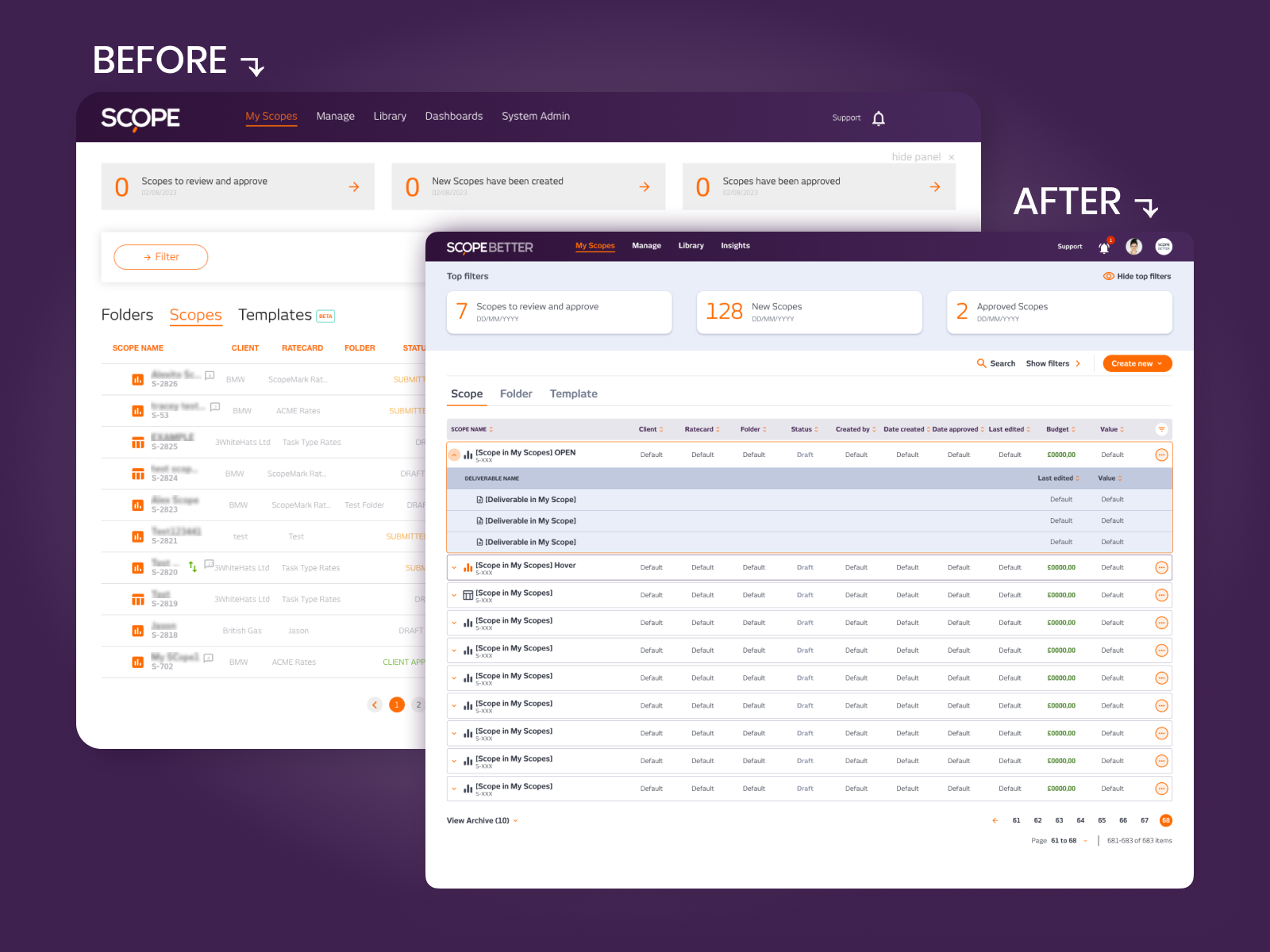



Find & Replace.
SCOPE Better scopes can run to hundreds of nested rows. When a user spotted a single role appearing across 105 components, the only way to fix it was to scroll through every one and change it manually. It could take hours. And it was easy to miss something. Users needed Ctrl+F easy to find and use.
DISCOVERY
I mapped every ‘where’s my role?’ complaint the support team had logged. The pattern was clear; this was infrequent but painful every single time it happened. I also ran a quick naming test. Nobody outside the company knew what ‘Staff Mix’ meant. So we called it Find and Replace. Everyone knew what that meant.
WHAT I DID
The feature had to feel familiar and stay out of the way until needed. I placed the entry point in the table’s more options menu, visible when relevant, hidden when not. It opens a right-hand drawer with a simple flow:
Search for the role you want to replace. Filter by deliverable, component, or department if needed. See every match in a breadcrumb list with inline hour editing. Search for the replacement role. Choose “Replace All” or pick rows individually. Done.
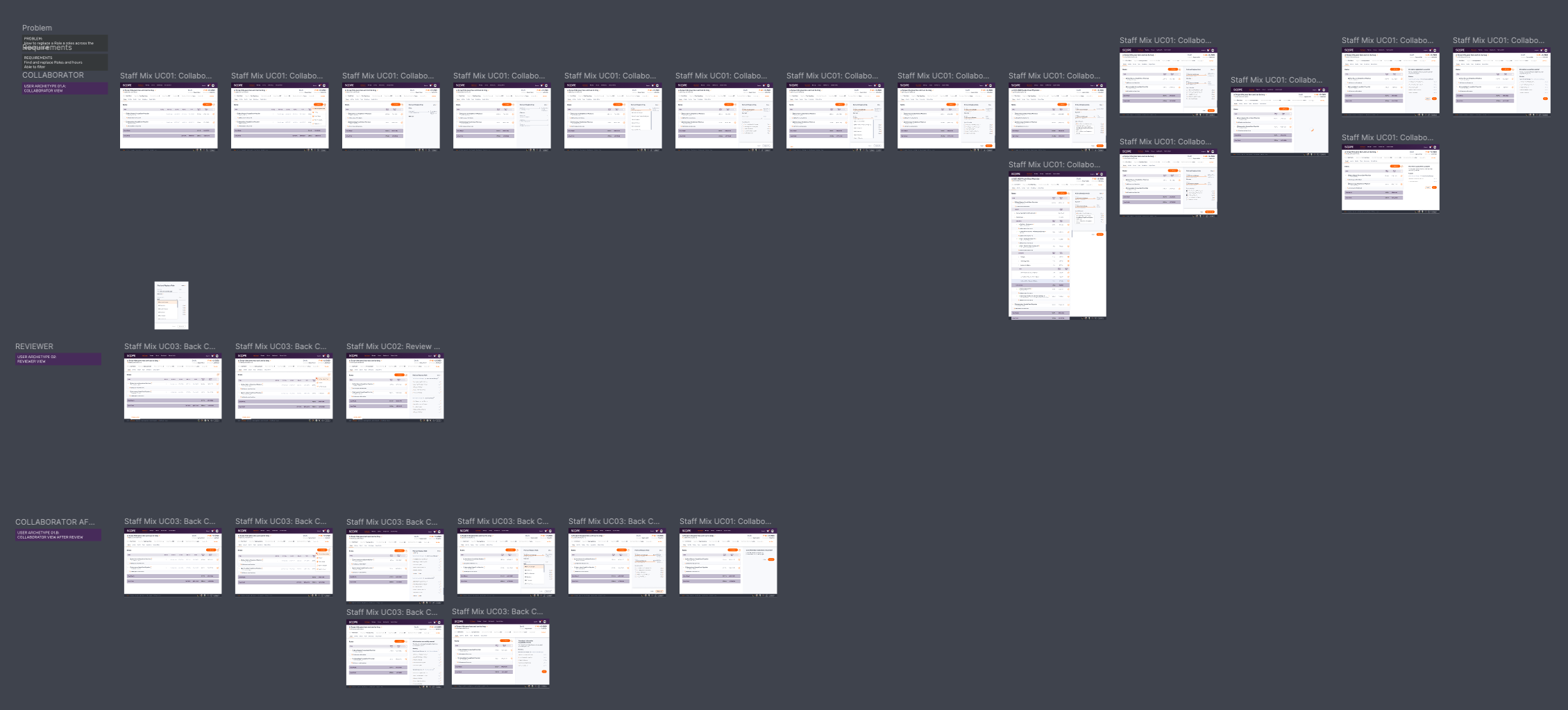
Reviewer and approver roles get read-only views so governance stays intact. Three user flows were mapped (approver, reviewer and collaborator) to make sure each persona got the right level of access.


OUTCOME
Adoption was immediate. What used to take an hour now takes minutes. No onboarding needed. No support tickets. As one Customer Success rep put it: ‘They finally have a real Ctrl+F.

Company
SCOPE Better
Year
2024
Design Tools
Figma and Miro