


Descriptions: What’s this row for? •
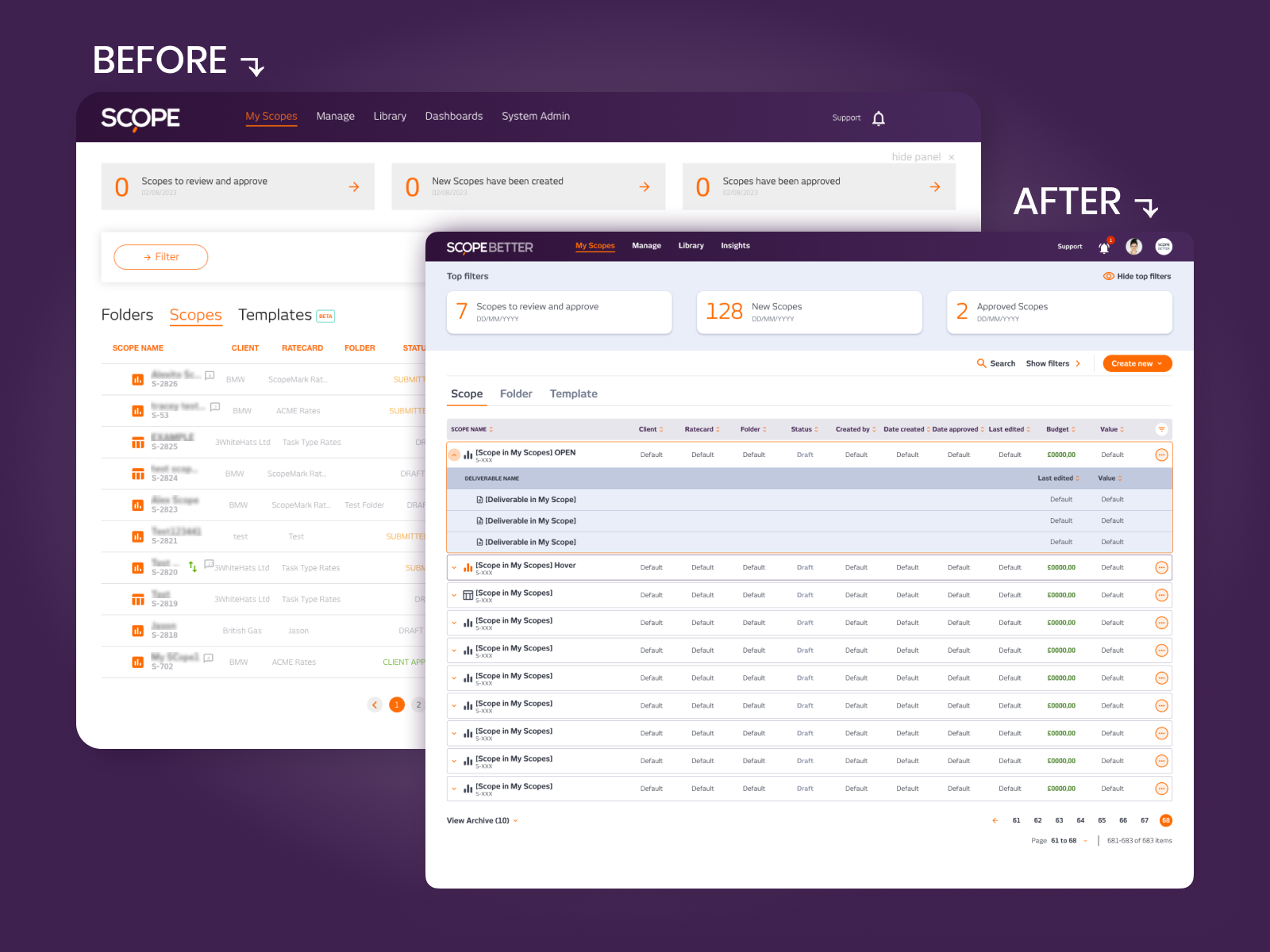
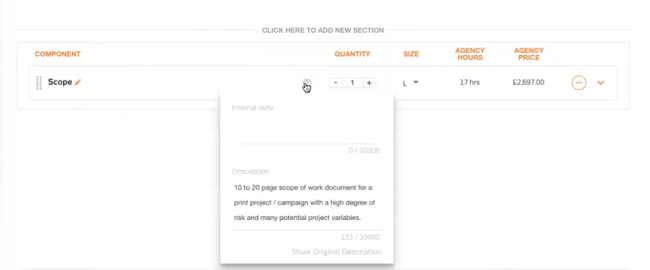
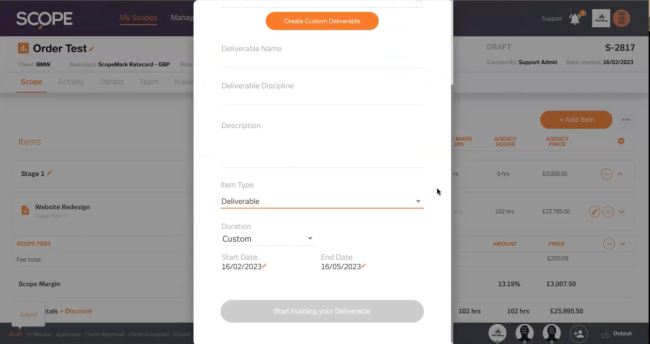
Every scope had rows with names, but adding context to them was inconsistent and incomplete. A basic text field existed in some places but not others, and what was there was the bare minimum: plain text, no formatting, no structure. Users inside the platform were working around it, and clients receiving exported scopes were spending hours reformatting the output before it was ready to share. The most requested fix seemed simple on the surface, but once I looked at where those descriptions actually ended up. The descriptions weren’t internal notes. They were ending up in client contracts.
FRAMING THE PROBLEM
Descriptions weren’t just internal notes; users were exporting scopes directly into contracts, client docs, and presentations, which meant formatting actually mattered. The existing plain text field couldn’t bold a heading, add a link, or structure a list. Without that, copy-pasting into a client document meant a full round of editing every single time. On top of that, the field wasn’t available at every level of the scope hierarchy, so context was patchy and unpredictable. The challenge wasn’t just adding rich text; it was making it consistent, useful, and available everywhere without making the interface harder to use.
WHAT I DID
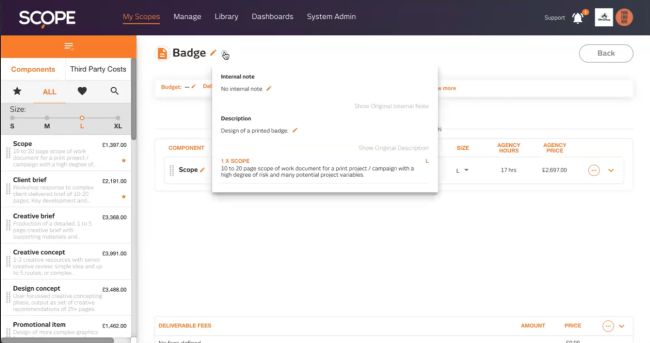
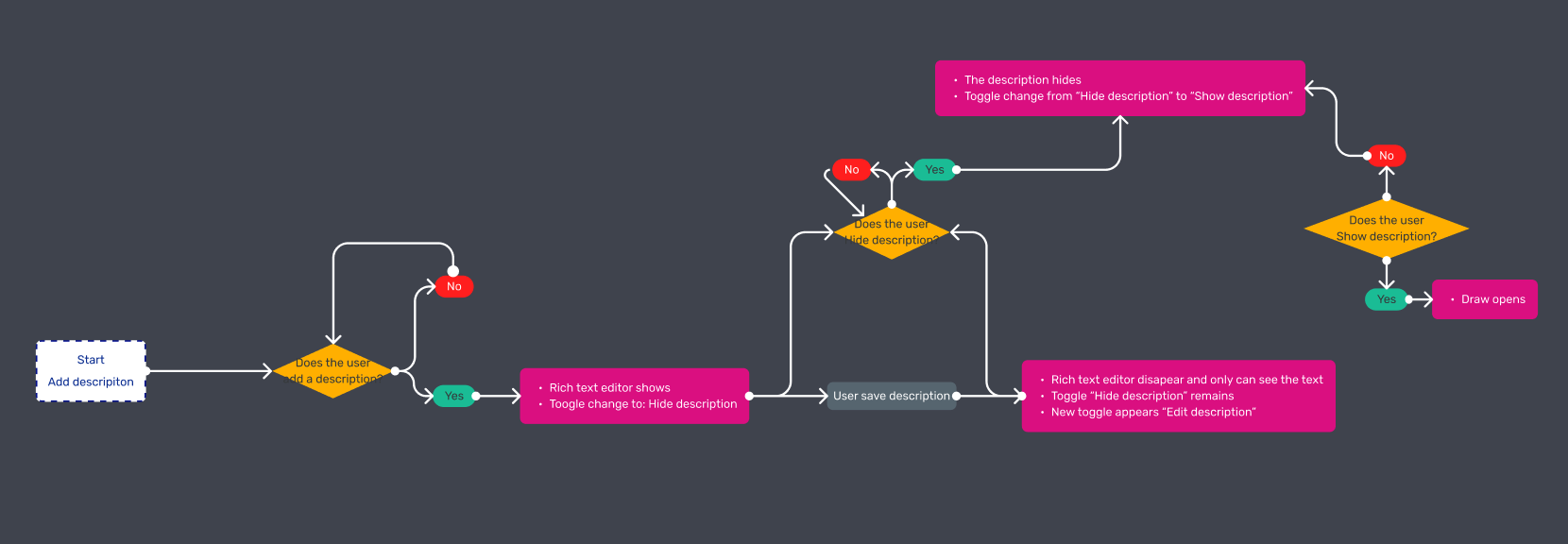
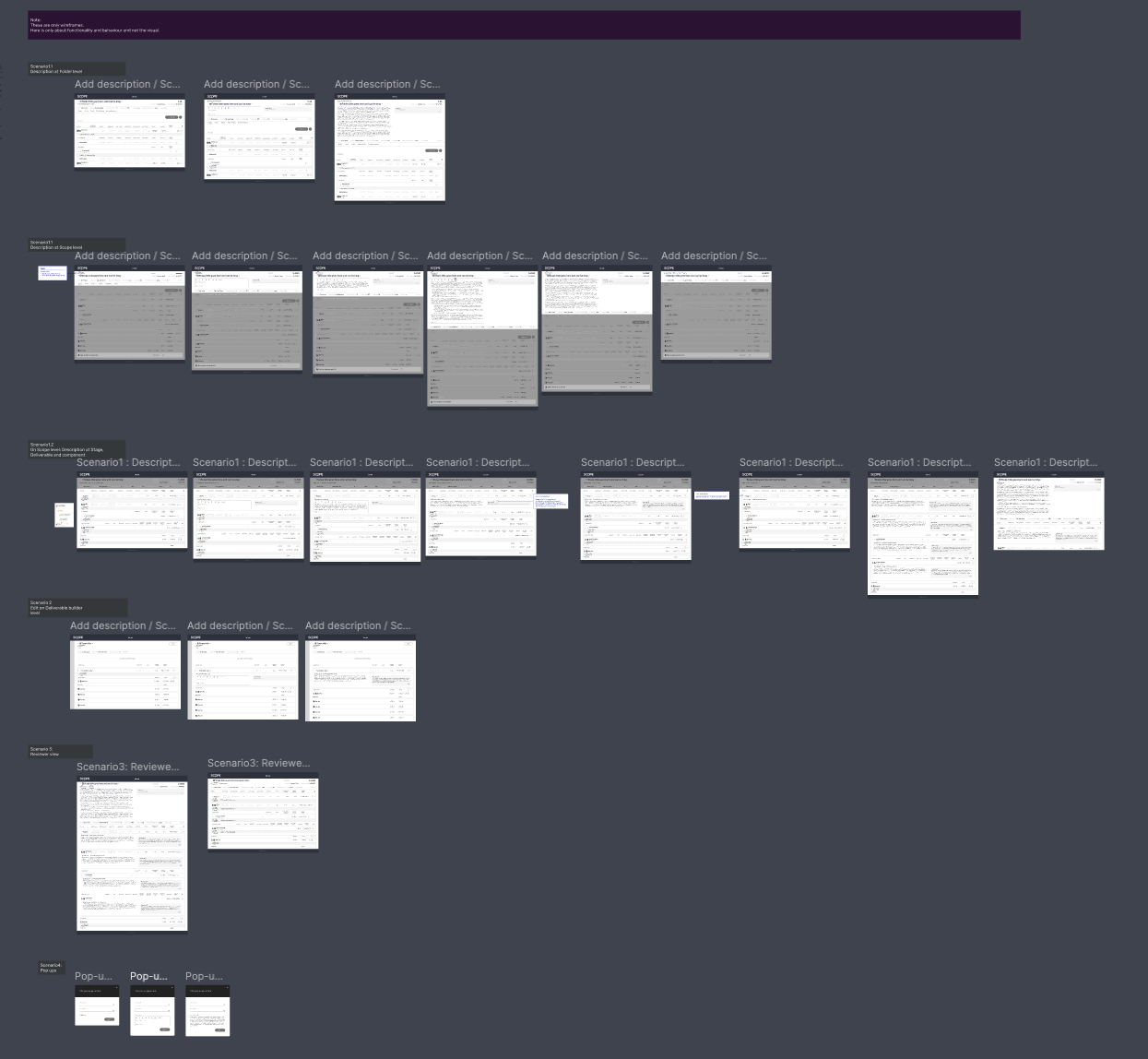
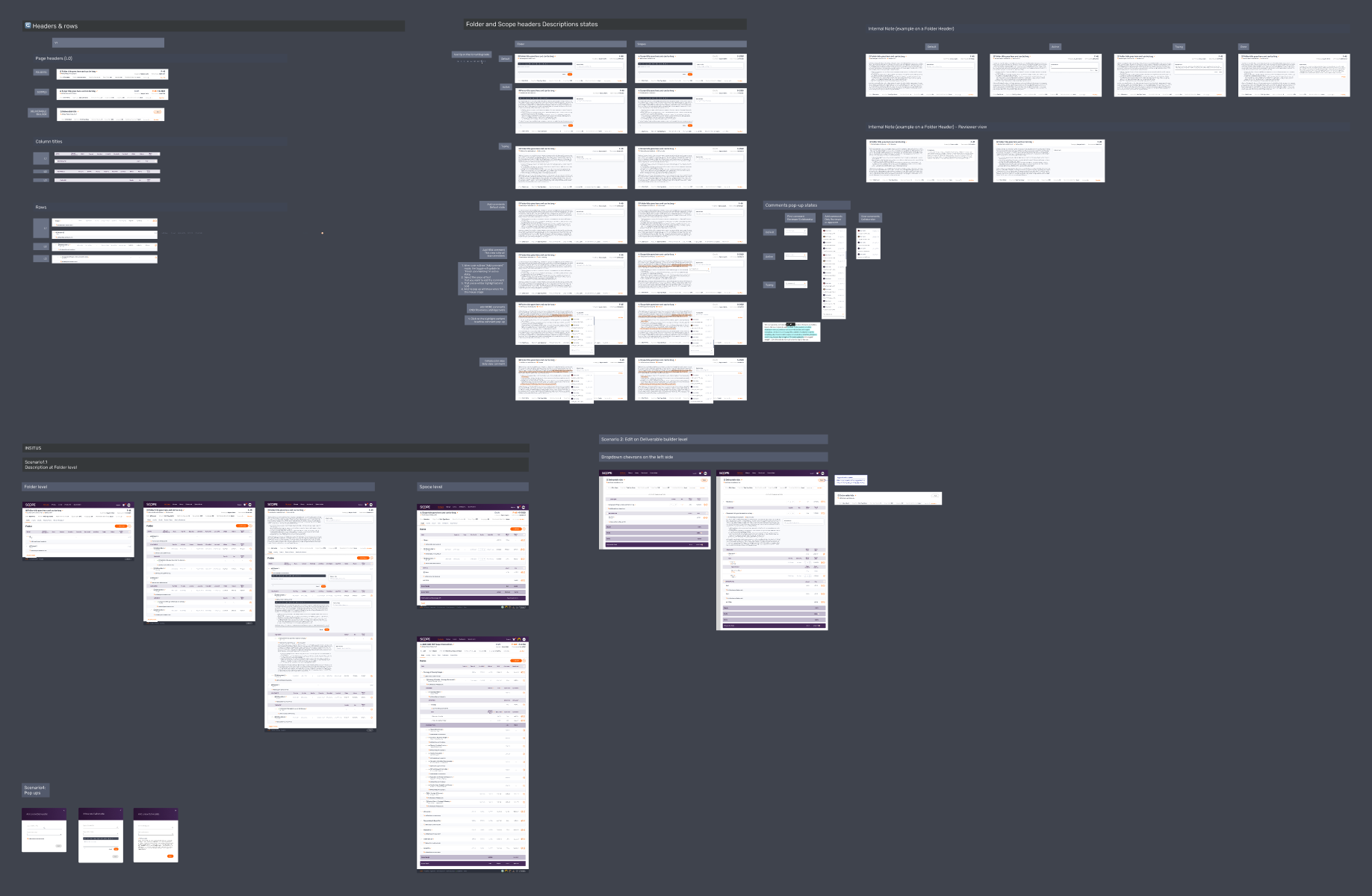
I redesigned the description system from the ground up, making it available at every level of the hierarchy and replacing the plain text field with a simple rich text editor: bold, links, and basic formatting, enough to be genuinely useful without becoming a distraction. The key design challenge was fitting it in without adding visual clutter to rows that were already carrying a lot of data. The solution was to keep descriptions hidden until needed and visible on demand, so the interface stayed clean for users who didn’t need them and accessible for those who did. I worked closely with engineering to make sure formatting rendered correctly across every output (in-product view, print, and digital export) and adapted existing components rather than building from scratch to keep the rollout clean.

OUTCOME
Users could finally add context at every level of their scope without cluttering the view, and exported documents came out formatted and ready to share. The hours of post-export reformatting disappeared. Support questions about row context were dropped. In 11 months, descriptions never came back as a problem; in a product where every friction point eventually resurfaces, silence is the metric. The implementation director summed it up best:

“It just works. We didn’t even need to explain it.”
— Implementation team member
Company
SCOPE Better
Year
2023-24
Design Tools
Figma and Miro